Deposit at a Glance
Before you go through each method in detail, here are the numbers that matter. All amounts are in Bangladeshi Taka (৳).
| What | Details |
|---|---|
| Minimum deposit | ৳300 |
| Accepted methods | bKash, Nagad, Rocket, Upay |
| Arrival time | Under 3 minutes |
| Deposit fee from 5hh8 | None |
| First deposit bonus | 115% up to ৳6,000 |
| Wagering requirement | 25× bonus amount |
| Support if deposit fails | 24/7 Live Chat |
Your mobile wallet stays separate. Money leaves your bKash or Nagad wallet and lands directly in your 5hh8 balance — no bank transfer, no waiting days.
All Payment Methods
5hh8 accepts four mobile money services that most Bangladesh players already use. Each one works the same way inside your account — only the app you use on your phone changes.
- bKash Most popular choice. Send via bKash app or USSD *247#. Deposits credit in under 3 minutes. Instant
- Nagad Post Office-backed wallet. Use the Nagad app or dial *167#. Arrival time under 3 minutes. Instant
- Rocket Dutch-Bangla Bank mobile wallet. App or USSD *322#. Minimum ৳300, under 3 minutes. Instant
- Upay United Commercial Bank wallet. Use the Upay app. Good fallback when bKash is busy. Instant
How to Make Your First Deposit
The general flow is the same for all four methods. You pick your wallet inside 5hh8, copy the merchant number, go to your wallet app, send the money, and paste the transaction ID back. The steps below cover this in order.
-
01
Log in to 5hh8
Open 5hh8 on your browser or the app. Go to your account dashboard.
-
02
Open Deposit
Tap the wallet icon or "Deposit" button. Choose your payment method from the list.
-
03
Send Money in Your Wallet App
Copy the merchant number shown on screen, switch to your bKash/Nagad/Rocket/Upay app, and send ৳300 or more to that number.
-
04
Paste Transaction ID
Your wallet app will give you a TrxID after payment. Paste it into the 5hh8 deposit form and confirm. Balance updates in under 3 minutes.
bKash Step-by-Step
bKash is the most common method on 5hh8. Use either the app or dial *247# from any phone.
- 1 Log in to 5hh8 and open Deposit. Select bKash from the method list.
- 2 Enter the amount — minimum ৳300. The page shows you a bKash merchant number. Copy it.
- 3 Open your bKash app. Tap Send Money. Paste the merchant number and enter the same amount you typed on 5hh8.
- 4 Enter your bKash PIN and confirm. You will see a confirmation message with a TrxID (e.g., 8N8A1B2C3D).
- 5 Go back to 5hh8. Paste the TrxID into the deposit form field and tap Submit. Your balance updates within 3 minutes.
Important: Always use Send Money, not "Payment". Using the wrong bKash option is the single most common reason deposits are delayed.
Nagad Step-by-Step
Nagad works almost identically to bKash. If your bKash wallet has a low balance, Nagad is a quick alternative with the same arrival time.
- 1 In your 5hh8 account, open Deposit and choose Nagad.
- 2 Type the amount (minimum ৳300). Copy the Nagad merchant number displayed on screen.
- 3 Open Nagad app. Tap Send Money. Enter the merchant number and amount. Confirm with your PIN.
- 4 Copy the TrxID from the Nagad confirmation screen or SMS.
- 5 Return to 5hh8, paste the TrxID, and tap Submit. Balance lands in under 3 minutes.
Rocket Step-by-Step
Rocket is run by Dutch-Bangla Bank. If you have a DBBL account or just the wallet, it links up quickly. Use the app or dial *322#.
- 1 In 5hh8, tap Deposit and select Rocket. Enter your deposit amount (minimum ৳300).
- 2 Copy the Rocket merchant number shown on the 5hh8 form.
- 3 Open Rocket app (or dial *322#). Choose Send Money. Paste the number, enter the amount, and confirm with PIN.
- 4 Save the TrxID from the confirmation SMS or the app screen.
- 5 Back in 5hh8, paste the TrxID and submit. Your balance updates in under 3 minutes.
Upay Step-by-Step
Upay is backed by United Commercial Bank. The process is app-only — there is no USSD dial code. Keep the Upay app installed as a backup when other wallets are busy during peak match nights.
- 1 Open 5hh8, go to Deposit, and pick Upay. Enter ৳300 or more.
- 2 Copy the Upay merchant number from the 5hh8 form.
- 3 Open the Upay app. Tap Send Money. Paste the merchant number, enter the amount, and confirm with your PIN.
- 4 The app shows a TrxID on success. Copy it immediately.
- 5 Paste the TrxID into 5hh8's deposit form and tap Submit. Balance arrives in under 3 minutes.
Bonus on Your First Deposit
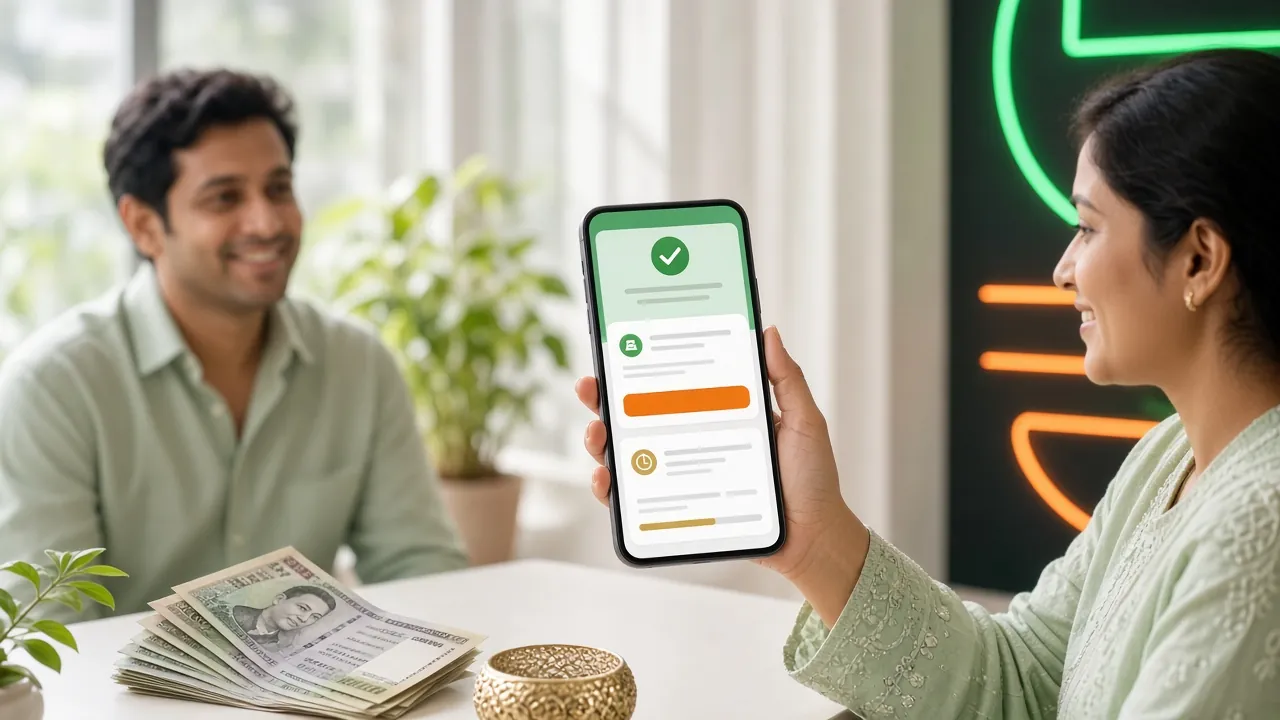
Your very first deposit at 5hh8 triggers a welcome bonus. The bonus lands in your account automatically — you do not need a promo code.
Reload deposits earn a 10% reload bonus. Daily cashback of 1.6% applies on net losses — both are added to your account balance automatically.
Why Deposits Fail — and What to Do
Most deposit failures fall into one of five patterns. The table below shows the cause and the fastest fix. If none of these apply, contact 24/7 Live Chat with your TrxID ready.
| Problem | Likely Cause | Fix |
|---|---|---|
| Balance not updated after 10 min | TrxID not submitted or mistyped | Go back to the deposit form, re-enter the correct TrxID |
| Amount sent does not match | Typed a different amount in 5hh8 vs. wallet app | Both amounts must be identical — contact Live Chat with both screenshots |
| Wrong merchant number used | Copied an old or cached number | Always copy the number fresh from the current deposit session; numbers rotate |
| bKash "Payment" instead of "Send Money" | Wrong bKash option selected | Use only Send Money; contact Live Chat if money already left your wallet |
| Deposit below ৳300 | Amount is under the minimum | Send exactly ৳300 or more; smaller amounts are not accepted |
Keep your TrxID. Every wallet app shows a transaction ID after payment. Screenshot it. Without the TrxID, support cannot trace a missing deposit quickly.
If your money left your wallet but the balance on 5hh8 did not update after 10 minutes, reach out through Live Chat. Support is available around the clock and usually resolves pending deposits within a few minutes when you provide the correct TrxID.
- Deposit Arrival
- < 3 Min
- Min Deposit
- ৳300
- Welcome Bonus
- 115%
- Games Available
- 5,100+
Common Questions About 5hh8 Deposits
What is the minimum amount I can deposit?
The minimum deposit at 5hh8 is ৳300. This applies to all payment methods — bKash, Nagad, Rocket, and Upay. If you send less than ৳300, the transaction will not be processed and the money will need to be recovered through Live Chat.
How long does a deposit take to arrive?
Deposits typically arrive in under 3 minutes once you submit the correct TrxID. During busy match nights (IPL, BPL, T20 World Cup), there may occasionally be a short wait. If your balance has not updated after 10 minutes, contact 24/7 Live Chat with your TrxID.
Does 5hh8 charge a fee on deposits?
5hh8 does not charge any deposit fee on its end. Your wallet provider (bKash, Nagad, etc.) may charge its own Send Money fee — this varies by wallet and is outside 5hh8's control. Check your wallet app's current fee schedule before sending.
Do I need to verify my NID before making a deposit?
No. You can deposit immediately after registering. KYC (National ID Card, Passport, or Driving Licence) is only required before your first withdrawal. Upload your document early to avoid any delay when you are ready to cash out.
Is there a daily deposit limit?
5hh8 does not publish a fixed maximum daily deposit cap. The practical limit is set by your mobile wallet provider's daily transaction ceiling. Contact 24/7 Live Chat if you need to make a large deposit and want to confirm the best method.
Can I deposit using only my phone?
Yes — the entire process works on mobile. Open 5hh8 in your browser or through the 5hh8 app, go to Deposit, switch to your wallet app to send money, then come back and paste the TrxID. No desktop needed.
Does the first deposit bonus apply automatically?
Yes. The 115% welcome bonus (up to ৳6,000) is added automatically to your account after your first qualifying deposit. No promo code is required. The bonus is subject to a 25× wagering requirement and expires 7 days after it is credited.
Create your 5hh8 account in under two minutes, make your first deposit via bKash or Nagad starting from ৳300, and your 115% welcome bonus lands automatically — no code needed.
Already have the app? Open 5hh8 App and tap Deposit from the home screen. Need to cash out? Read the Withdrawal Guide.