5hh8 App — The Full Casino
In Your Pocket
The 5hh8 app brings every game from the main casino directly to your Android phone. Deposit via bKash or Nagad, place cricket bets, spin slots and play live tables — all from one lightweight app. Free download, no sign-up needed just to install.
Scan the QR code on the right to download directly on your phone →
Before You Install — What to Know
Official APK — No Third Parties
The 5hh8 APK file is hosted directly on the 5hh8 server at /download/5hh8.apk. It is not distributed through unofficial mirrors, Telegram channels or third-party app stores. Downloading from any other link risks a modified file. Always use the button on this page or scan the QR code above.
SSL-Encrypted Connection
All data between your phone and 5hh8 servers — login, deposits, withdrawals — travels over a 256-bit SSL connection. The app does not store your bKash or Nagad PIN locally. Payment verification happens inside the mobile wallet app itself, never inside 5hh8. Your financial credentials stay with your wallet.
Minimal App Permissions
The 5hh8 app requests only the permissions it genuinely needs: internet access (to load games and process deposits), storage (to cache game assets for faster loading) and notification access (for deposit and withdrawal alerts). It does not request camera, microphone, contacts or location access. You can review all permissions in Android Settings at any time.
Your Account Security
Use a strong, unique password for your 5hh8 account and do not share it. Enable the in-app login PIN for faster and safer access on your personal device. If you ever lose your phone, you can lock your account immediately by contacting 5hh8 live chat. Always log out when using a shared or borrowed handset.
Everything the Casino Offers, Mobile-Optimised
Slots & Crash Games
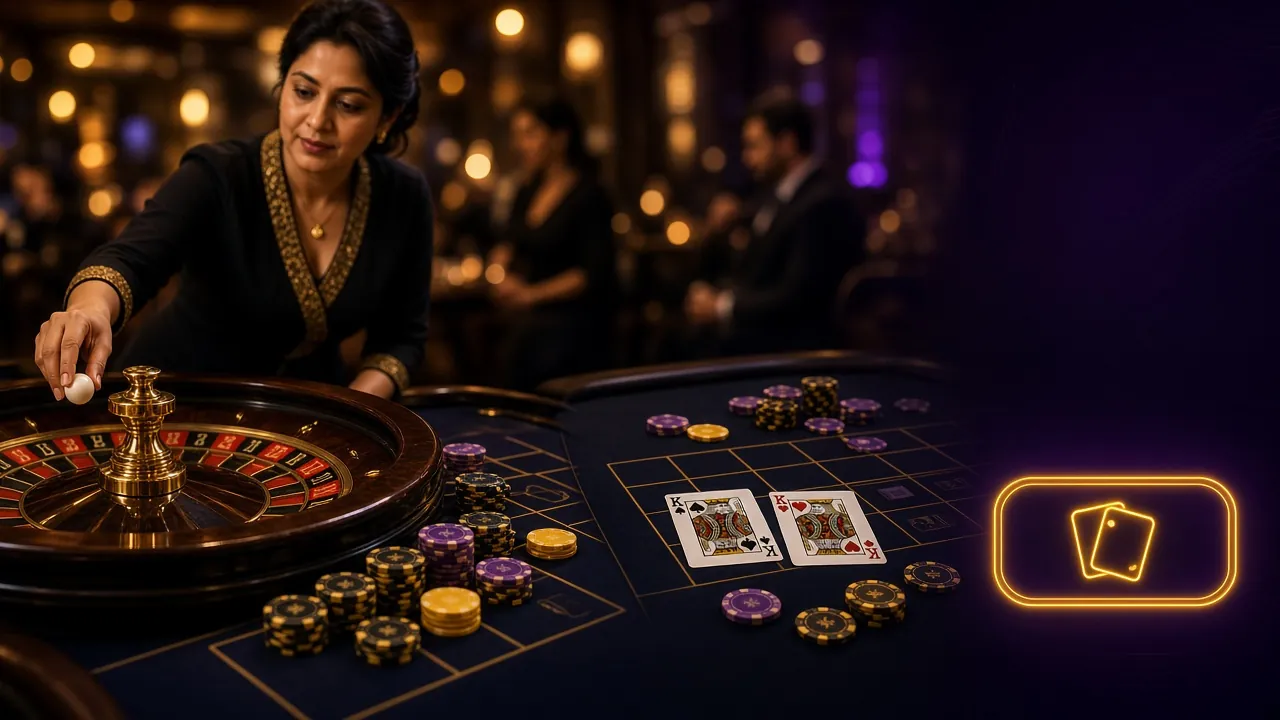
Access all slots from Pragmatic Play, JILI, CQ9, Ezugi and FA Chai — including Mines, Monster Dice and Aladdin — directly from the app home screen. Crash games load in under two seconds on a stable connection. Minimum bet starts at ৳1.
Live Dealer Tables
Evolution and Sexy Gaming live tables — Baccarat, Roulette, Blackjack and Teen Patti — stream in HD. The app handles HD video smoothly on 4G. If your signal drops, the stream reconnects automatically and your bet remains intact.
Cricket & Sports Betting
Bet on BPL, IPL, T20 and ODI fixtures from the same app. Live in-play odds update in real time. Place pre-match and in-play bets on cricket, football and kabaddi without switching apps or browsers. Minimum sports bet ৳10.
bKash & Nagad Deposits
Deposit with bKash, Nagad, Rocket or Upay from inside the app. Minimum deposit is ৳300 and funds arrive within about 3 minutes. The app opens your mobile wallet automatically to complete the payment — no copy-pasting account numbers.
Fishing & Lottery
Shade Dragon Fishing, Fishing Expert, Super Bingo and Lucky Neko are all in the app lobby. Fishing games are optimised for touchscreen controls — tap to aim, swipe to change cannon. Lottery draws run on a fixed schedule shown in the app.
Push Notifications
Get instant alerts for successful deposits, withdrawal confirmations and special bonus offers. Match-start reminders for cricket and football are available from the notification settings inside the app. Notifications can be turned off individually per category.
Featured in the App Lobby

System Requirements & Version Details
The 5hh8 app is designed to run well on budget Android phones sold in Bangladesh. Any handset from the last five years should handle it comfortably. Check the table below before you download — if your phone runs Android 6.0 or higher, you are good to go.
| Specification | Details |
|---|---|
| App Version | 2.2.7 |
| File Name | 5hh8.apk |
| File Size | 58 MB |
| Minimum Android | Android 6.0 (Marshmallow) |
| Recommended Android | Android 10 or later |
| iOS Support | No native app — use Safari "Add to Home Screen" (see below) |
| Languages | English, Bangla |
| Last Updated | 3 November 2026 |
| Price | Free |
| Internet Required | Yes — 4G or Wi-Fi recommended for live tables |
| Minimum RAM | 1 GB (2 GB recommended for live casino streaming) |
Note: The app is not listed on Google Play Store. You must download the APK directly from this page. This is normal for casino apps in Bangladesh — Google Play does not permit real-money gambling apps in this region.
Download the 5hh8 APK
Click the button below to download 5hh8.apk (58 MB) directly to your device. The download starts immediately — no account required. Once downloaded, follow the Android installation steps in the next section.
Download 5hh8.apk — FreeAlready have an account? Log in to 5hh8 after installation and your balance, bonus and history will be there waiting for you.
5hh8 App vs. Mobile Browser — What Changes
Both options give you full access to games and banking. The app has a few practical advantages if you play regularly — especially for live casino streaming and push notifications. Here is a direct comparison.
| Feature | 5hh8 App | Mobile Browser |
|---|---|---|
| Loading Speed | Faster — assets cached locally | Loads fresh each visit |
| Live Casino Stream Quality | Optimised for mobile data | Depends on browser codec |
| Push Notifications | Yes — deposits, withdrawals, bonuses | No |
| bKash / Nagad Handoff | Opens wallet app directly | Manual — copy account number |
| Cricket Match Alerts | Yes | No |
| Auto Login | PIN or fingerprint | Password each time (or saved) |
| Offline Game Caching | Partial — lobby loads offline | No |
| Installation Required | Yes — 58 MB APK | No — open and play |
| Works on iPhone | No native app | Yes — Safari or Chrome |
| Game Library | Full — all 5,100 games | Full — all 5,100 games |
| Deposit / Withdrawal | Full access | Full access |
| Bonus Claiming | Full access + notification | Full access |
5 Steps to Get the 5hh8 App Running on Android
-
01
Allow Unknown Sources
On your Android phone, open Settings → Security (or Settings → Apps → Special App Access → Install Unknown Apps on Android 8+). Find your browser or file manager in the list and enable "Allow from this source." You only need to do this once. This setting lets Android install APK files downloaded outside the Play Store.
-
02
Download the APK
Tap the Download APK button on this page. Your browser will save
5hh8.apk(58 MB) to your Downloads folder. The file is served over HTTPS directly from 5hh8 servers. Keep your screen on during download — do not switch to another app until the download completes, especially on a slow connection. -
03
Open and Install
Once downloaded, open your notification shade and tap the completed download notification. Alternatively, open your Files or Downloads app, find
5hh8.apkand tap it. Android will show an install confirmation screen listing the app permissions. Tap Install and wait — it usually takes under 20 seconds. -
04
Log In or Register
Tap Open once installation finishes. If you already have a 5hh8 account, enter your username and password to log in to 5hh8. New player? Tap Register inside the app or visit 5hh8 Register first. Your account works across the app and the browser version — same balance, same bonuses.
-
05
Deposit & Claim Your Bonus
Make your first deposit of at least ৳300 via bKash, Nagad, Rocket or Upay. Funds arrive in roughly 3 minutes. Your first deposit is eligible for the 115% Welcome Bonus up to ৳6,000. Tap the Bonus banner in the app lobby to activate it. Wagering requirement is 25×. After verification, withdrawals process in about 43 minutes.
No App Store Needed — Add 5hh8 to Your iPhone
There is no native iOS app. iPhone and iPad users can add the 5hh8 website directly to their home screen via Safari. This creates a shortcut that opens full-screen, without the browser address bar — almost identical to a native app experience.
-
1
Open Safari
Open Safari on your iPhone or iPad and go to 5hh8.ws. The site must be opened in Safari specifically — Chrome or Firefox on iOS do not support the "Add to Home Screen" option.
-
2
Tap the Share Button
Tap the Share icon at the bottom of the Safari screen (a square with an upward arrow). On iPad, it is at the top right of the browser window. A menu will slide up from the bottom.
-
3
Add to Home Screen
Scroll down in the share menu and tap Add to Home Screen. Give the shortcut a name (the default "5hh8" is fine) and tap Add in the top right corner. The icon appears on your home screen.
-
4
Open and Play
Tap the new 5hh8 icon on your home screen. It opens in full-screen mode without the Safari toolbar. Log in with your credentials — all games, deposits and withdrawals work exactly as they do on the browser. Push notifications are not supported via this method.
Common Installation Problems & Solutions
| Problem | Likely Cause | Fix |
|---|---|---|
| "Install blocked" message appears | Android's "Unknown Sources" setting is still off for the browser you used to download the APK. This is the most common install issue. | Go to Settings → Security (or Apps → Special App Access → Install Unknown Apps), find your browser in the list, and enable "Allow from this source." Then tap the APK file again. |
| "App not installed" error after tapping Install | An older version of the 5hh8 app is already on the phone, or the downloaded file is corrupted (download was interrupted mid-way). | Uninstall any existing 5hh8 app first (Settings → Apps → 5hh8 → Uninstall). Then delete the APK from your Downloads folder and download a fresh copy from this page on a stable Wi-Fi connection. |
| APK download stops or is very slow | Weak mobile data connection or the phone's battery saver is throttling background downloads. Some operators also throttle large file downloads on 2G or 3G. | Switch to Wi-Fi if available. Turn off battery saver mode during the download. If you are on mobile data, make sure you are in an area with 4G coverage. The file is 58 MB — allow at least 2–3 minutes on 4G. |
| App crashes immediately after opening | Phone does not meet minimum specs (Android below 6.0 or less than 1 GB RAM), or the APK file was not fully downloaded before installation. | Check your Android version in Settings → About Phone. If it is below 6.0, the app will not run — use the mobile browser version of 5hh8 instead. If your version is 6.0+, delete and re-download the APK, then reinstall. |
| Games load but go blank or freeze | Internet connection dropped during game session, or the phone's RAM is too full from other apps running in the background. | Close all other apps from the recent apps menu to free up RAM. Check your connection speed — live casino games need at least 5 Mbps. If using mobile data, moving to a room with better signal usually resolves it. Restart the app after freeing RAM. |
Still stuck? Contact 5hh8 live chat — available 24/7. Have your phone model and Android version ready when you reach out. Email: [email protected]
5hh8 App — Your Questions Answered
Is the 5hh8 APK safe to download and install?
Yes. The APK file hosted at /download/5hh8.apk is built and signed by the 5hh8 team. The download link on this page is served over HTTPS. The file has not been modified by any third party. The app requests only internet, storage and notification permissions — it does not access your contacts, camera or location. If you download the APK from any other source (Telegram groups, unofficial websites), 5hh8 cannot guarantee the file's integrity. Only download from this page.
Why is the app not on Google Play Store?
Google Play Store does not permit real-money gambling apps in Bangladesh under its current regional policy. This is a Google restriction, not a 5hh8 limitation. The same situation applies to virtually every online casino serving Bangladesh. The APK download from this page is the standard and officially supported method. The installation process — enabling Unknown Sources — is straightforward and takes about 60 seconds the first time you do it.
How do I update the 5hh8 app to the latest version?
The app does not auto-update from the Play Store. When a new version is released, the Download button on this page will always serve the latest build. To update: download the new APK from this page, open it and tap Install. Android will update the existing installation without deleting your data or account. You do not need to uninstall the old version first. The current version is 2.2.7, last updated 3 November 2026. If you are unsure which version you have, check Settings → Apps → 5hh8 → App info.
Can I use the same account on both the app and the browser?
Yes. Your 5hh8 account works across all platforms — the Android app, the mobile browser and any desktop browser. Your balance, bonus status, VIP level, transaction history and game favourites are all synced in real time. You can start a session on the app during your commute and continue on your laptop at home without losing any progress. Just make sure you log out of one session before starting another if you are on a shared device.
What should I do if the APK installation fails with an "App not installed" error?
This error usually means either an old version of the app is already installed or the downloaded file is incomplete. First, go to Settings → Apps, find any existing 5hh8 app and uninstall it completely. Next, delete the APK from your Downloads folder. Then return to this page and download the APK again on a stable Wi-Fi or 4G connection — do not let the screen turn off mid-download. Once the full 58 MB file is saved, tap it to install. If the error persists, restart your phone and try once more.
Does the 5hh8 app work without an internet connection?
No — an active internet connection is required to play any game, make deposits or place bets. The app caches the lobby interface locally so it loads faster, but all gameplay, odds and transactions happen on 5hh8 servers in real time. For slots, a 3G connection is usually enough. For live casino streaming (Evolution, Ezugi live tables), 4G or Wi-Fi gives the best picture quality. Cricket in-play betting also benefits from a faster connection because odds update every few seconds.
Is there an app for iPhone or iPad?
There is no native iOS app available on the Apple App Store. iPhone and iPad users can access the full 5hh8 casino through Safari on their device. For a more app-like experience, open Safari, navigate to 5hh8.ws, tap the Share button and select "Add to Home Screen." This creates a full-screen shortcut on your home screen. All games, deposits via bKash and Nagad, and account management work exactly the same way through this method. Push notifications are not available without a native app.
- SSL Encrypted
- 18+ Only
- 24/7 Support
- bKash
- Nagad
- Rocket
- Upay
- Android 6.0+
More Useful Pages
Once the app is installed, these guides cover the next steps — creating your account, logging in and exploring the full casino lobby.